

Your mum or dad lives alone. They're managing fine, cooking, reading, watching TV, going about their day. But you live hours away, and somewhere in the back of your mind there's always a quiet question: what if something happens and nobody knows?
You're not being dramatic. Falls are the leading cause of injury for Australians over 65. Most don't result in serious harm, but the ones that do are often made worse by the time it takes for someone to realise something is wrong. The difference between a fall that's an inconvenience and one that's a crisis is often measured in hours.
So how do you keep an eye on things without making your parent feel like they've lost their independence?
Start With What Your Parent Wants
Before comparing gadgets and services, have an honest conversation. The question isn't "What can I set up to check on you?" It's closer to:
"If something ever happened, even just feeling unwell and needing help, how would you want me to find out?"
Some parents are happy with a daily phone call. Some would rather you didn't fuss at all. Most land somewhere in the middle: they don't want to be monitored, but they'd like to know that someone would come if something went wrong.
Whatever you choose needs to respect that boundary. Solutions your parent resents will get unplugged, taken off, or ignored, and then you're worse off than having nothing, because you think you're covered when you're not. If your parent has already said no to pendants and cameras, you might find our guide on what to do when your parent refuses to be monitored useful. It covers the psychology behind the refusal and how to have a better conversation about it. We've also written a step-by-step guide to having the safety conversation without damaging the relationship.
The Options
Daily Phone Calls or Texts
How it works: You call or text at an agreed time each day. No answer means you follow up.
Pros: Free, personal, and most parents appreciate the contact.
Cons: Puts the responsibility entirely on you. You need to call every day, weekends included, holidays included. If they're in the garden or napping, you can't tell the difference between "fine" and "in trouble." And over time, the calls can start to feel like check-ins rather than conversations.
Verdict: Good as a first step, but it doesn't scale and it's not a safety net, it's a routine.
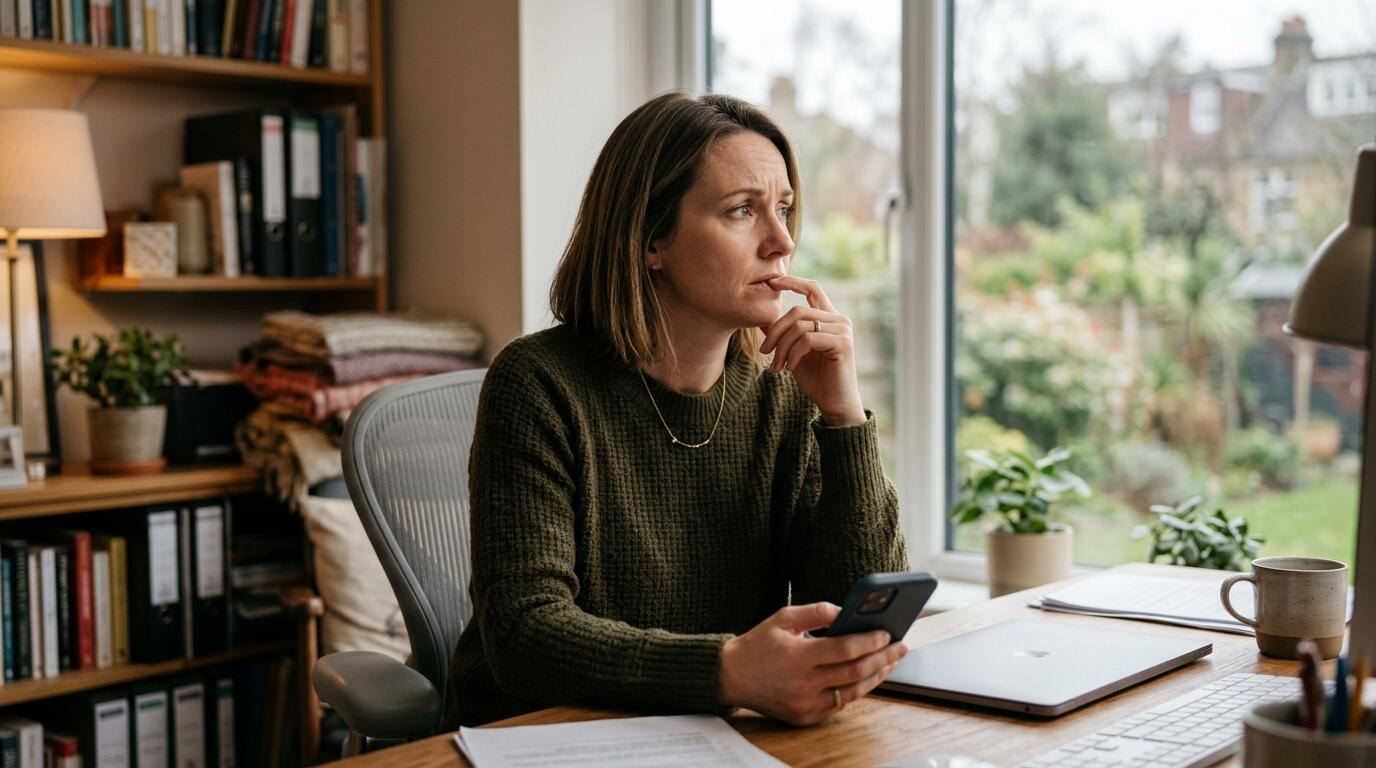
Daily Check-in Apps & Services
How it works: An app or service sends your parent a text message or notification at a set time each day. They reply "yes" or tap a button to confirm they're OK. If they don't respond within a window (usually 30-60 minutes), you and other nominated contacts are automatically alerted.
Pros: Takes the daily responsibility off your shoulders. Affordable (typically $10-$20/month). No special hardware needed, works with any phone that can receive texts. Simple enough for most parents to use.
Cons: Still requires your parent to actively do something every day. Week one is easy. By month three, it often becomes a chore. Some parents start to resent the daily obligation, feeling like they're "reporting in" to prove they're still alive. Others simply forget, especially if they're busy or out of routine. Each missed response triggers an alert to the family, and after a few false alarms, everyone starts ignoring them. That's the real danger: the system trains you not to take it seriously, right when you need to. If your parent has memory issues or isn't reliable with their phone, the problem is worse.
Verdict: A practical upgrade from calling yourself, and worth considering if your parent is consistent with their phone. But it only works if they remember and choose to respond every single day.
Getting a Neighbour or Friend to Pop In
How it works: Someone local agrees to check on your parent regularly, bringing in the bins, a cup of tea, a quick hello.
Pros: Social connection, someone physically nearby, and most neighbours are happy to help.
Cons: Relies on someone else's schedule and memory. Neighbours move, go on holiday, or forget. It's also hard to have a frank conversation with a neighbour about what to do if they find your parent on the floor.
Verdict: Valuable for companionship, but not reliable enough to be your only safety plan.
Medical Alert Pendants
How it works: Your parent wears a button around their neck or wrist. If they fall or need help, they press the button, which connects them to a 24/7 monitoring centre that can dispatch help.
Pros: Well-established, reliable when used, and the monitoring centres are professionally staffed.
Cons: Your parent has to be wearing it, and they have to be able to press the button. If they're unconscious, confused, or can't reach it, it won't help. Studies show compliance is one of the biggest problems, pendants get left in drawers, taken off to shower, or forgotten in another room.
Verdict: Worth considering if your parent is genuinely willing to wear it every day. Ask them honestly. Many say yes to keep you happy and then leave it in a drawer.
Smartwatches with Fall Detection
How it works: An Apple Watch or Samsung Galaxy Watch uses sensors to detect a hard fall. If your parent doesn't respond to the on-screen prompt within about 60 seconds, the watch automatically calls emergency services and sends their location to emergency contacts. No button press needed.
Pros: Response time is excellent, within seconds of a detected fall, help is on the way. If your parent already wears a smartwatch, fall detection may already be enabled. No separate monitoring fee for the fall detection feature itself.
Cons: Needs daily charging, which means it's on the nightstand overnight, exactly when middle-of-the-night falls are most likely. Not all falls trigger it (slow falls, collapses, and falls onto soft surfaces may not produce the sharp impact the sensors expect). False alarms from sitting down hard or sudden arm movements can erode trust. And like any wearable, it only works when it's actually on the wrist. We've written a detailed comparison of smartwatch fall detection if you're considering this option.
Verdict: A genuine step up from a pendant because it doesn't require a button press. But the charging gap and detection limitations mean it's not the complete safety net it appears to be.
Smart Home & AI Activity Systems
How it works: Multiple sensors placed around the home, motion detectors on doors, smart plugs that track appliance usage, bed sensors, connected pill dispensers. Newer systems from companies like Samsung SmartThings, Zemplee, and others use AI to learn your parent's daily routine and flag when something deviates from the pattern (e.g. no kitchen activity by mid-morning, unusual bathroom frequency, or changes in sleep patterns).
Pros: The AI-powered systems are genuinely impressive. They can detect subtle changes over time, a gradual decline in mobility, shifting sleep patterns, or reduced kitchen activity, that a human might not notice until something goes wrong. Some can identify early signs of illness like UTIs based on bathroom visit frequency. When the data is good, it's very good.
Cons: Requires multiple sensors, Wi-Fi, and ongoing maintenance. The AI needs time to learn the routine (usually 1-2 weeks), and it can get things wrong. Did Mum skip breakfast because she's unwell, or because she went out early? Is reduced movement a sign of decline, or did she just have a quiet day reading? False positives are common, and each one erodes trust. These systems also generate a lot of data, daily reports, trend graphs, activity summaries, which means someone needs to actually review it. Most families find the volume overwhelming after the initial novelty wears off. The more advanced systems are also expensive ($100-$250/month) and typically require professional installation. There's also a privacy consideration: these systems work because they track everything, which rooms your parent is in, how long they spend in the bathroom, when they open the fridge, how they sleep. Some use radar or cameras. Even the privacy-focused ones that avoid cameras are building a detailed picture of your parent's daily life. Some people are comfortable with that trade-off. Many aren't.
Verdict: The most comprehensive option if you want full visibility into daily patterns. But the cost, complexity, and data overload make it impractical for most families. Best suited for situations where a care team is actively managing your parent's health, not for the typical family who just wants to know someone would notice if something went wrong.
Professional Home Care Visits
How it works: A care worker visits on a schedule, daily, a few times a week, or weekly, to help with tasks and check on wellbeing.
Pros: Professional, reliable, and provides practical help alongside safety checking.
Cons: Expensive (typically $40-$60+ per visit in Australia), and many parents resist the idea of a stranger coming into their home. Wait lists for government-subsidised packages can be long.
Verdict: Excellent for parents who need practical help. Overkill if your parent is independent and just needs a safety net.
Passive Safety Net Sensors
How it works: A single sensor sits in the home and detects everyday movement. No cameras, no microphones, no wearables. If expected movement isn't detected, the system contacts your parent first (by text and phone call) to check if they're OK. If they respond, everything resets. If they can't respond, trusted contacts get a call.
Pros: Nothing for your parent to wear, charge, learn, or remember. It works in the background without changing their routine. Your parent controls the system. They can pause it when they're away.
Cons: No fall detection. It won't alert anyone the moment a fall happens. Response time is hours, not seconds. It's a daily safety net, not an emergency response system. If your parent needs immediate fall detection, a smartwatch or pendant is better suited for that. Many families use both: a wearable for immediate response and a passive sensor as a backup for everything the wearable can't cover.
Verdict: This is the approach we took with Puffin Guard. We built it for families where the parent is independent and doesn't want, or won't use, the other options. At less than $5 a week after the first free year, it's a fraction of the cost of regular home care visits. If your parent's main objection is "I don't want to be monitored," this is designed to respect that. We've written about the difference between monitoring and a safety net if you want to understand why we think this distinction matters.
How to Decide
There's no single right answer. The best approach often combines two or three options:
- Regular calls for the relationship
- A neighbour for someone physically nearby
- A wearable (smartwatch or pendant) for immediate fall response during the day
- A passive safety net for the gap between visits, the nights, the weekends, the times nobody's checking
If we had to pick one combination, it would be a smartwatch with fall detection paired with a passive safety net. The watch covers the immediate, a hard fall during the day, with help called within seconds. The passive sensor covers everything else, overnight while the watch is charging, days when it's not being worn, and the emergencies that don't look like a fall. Between the two, there's very little that isn't covered.
The key question is always: what will your parent actually accept?
A pendant in a drawer doesn't protect anyone. A camera that gets unplugged doesn't either. The best safety net is the one that stays in place long-term, because there's nothing to resist, refuse, or forget.
Puffin Guard is a single sensor. No cameras, no wearables, no microphones. It detects everyday movement and only contacts you if something seems genuinely wrong. Your parent controls the system. See how it works →
The Time Gap
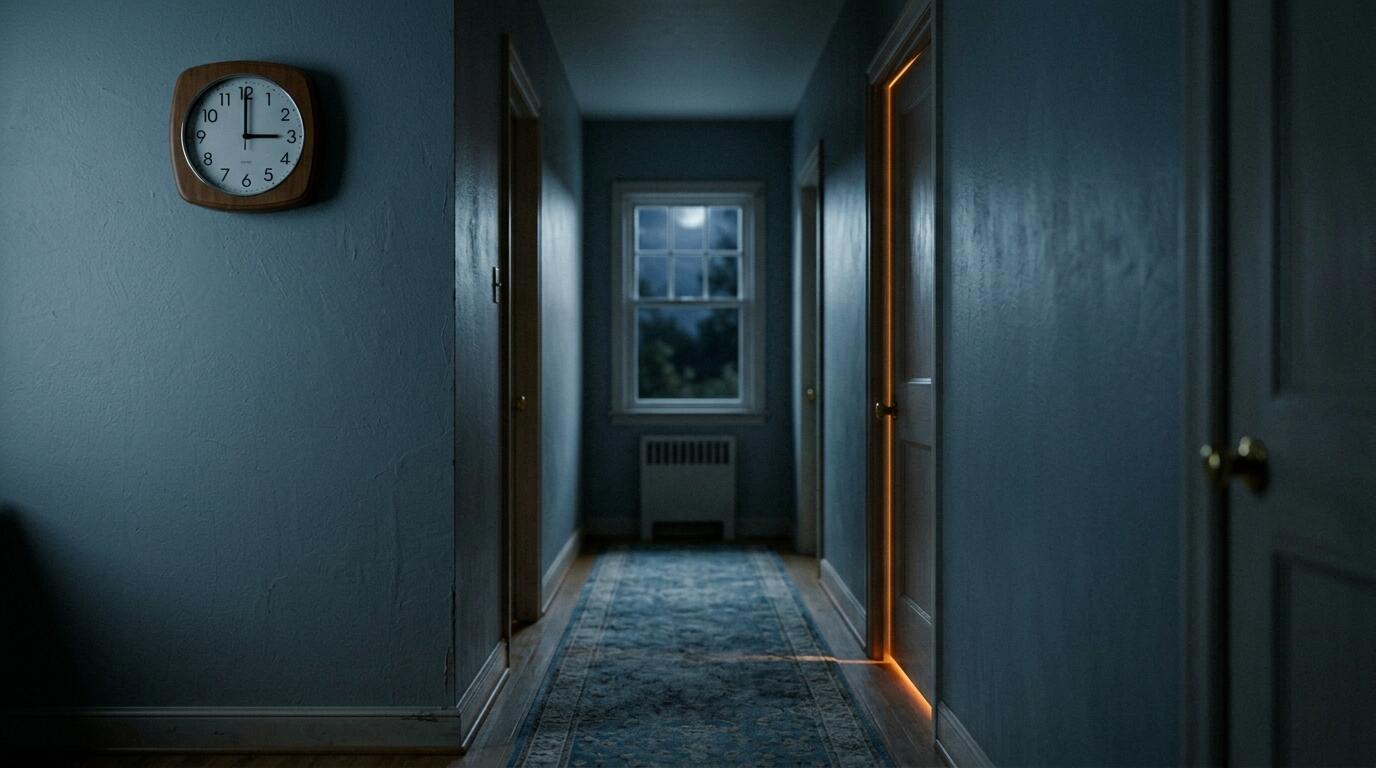
Here's the thing most families don't think about until something happens: the problem isn't usually the event itself. It's the time between the event and someone realising.
If your parent falls and can get up, they're fine. If they fall and can't get up, the outcome depends almost entirely on how long they're there. Hours versus days changes everything: dehydration, hypothermia, the psychological impact of lying on a floor waiting for someone to notice. We've written about this in detail in The Long Lie: what happens when a fall goes unnoticed.
Whatever solution you choose, ask yourself: if something happened right now, how long before anyone would know?
If the answer is "when I call tomorrow" or "when the neighbour pops round on Thursday," it might be worth filling that gap.
Puffin Guard is a private safety net for people living independently. One sensor, no cameras, no wearables. Your loved one controls the system. You only hear from us if something seems wrong. Learn more.